

- The core functions a lean, single-tablet POS handles for a hawker stall from first order to closing recap
- Why SGQR and PayNow acceptance speeds up each transaction during the lunch peak
- How ingredient tracking on a POS prevents running out mid-service
- What a daily sales recap gives a hawker owner that a manual tally cannot
The order is called before the customer finishes paying. That is how a busy hawker stall runs at 12:30pm on a weekday. A regular holds up two fingers for the usual, a new customer reads the board while the queue behind them grows, and the uncle at the wok needs to know both orders without a slip getting lost somewhere between the counter and the flame.
A lean POS does not change the pace of a hawker stall. The pace is already there. What it does is give the owner a tool that keeps up with it.
Editors Pick
- What is a POS system? A complete guide for SMEs
- How Does a POS System Work? A Step-by-Step Guide
- How to Choose a POS System
- How to Read POS Report
What a lean POS does for a hawker stall
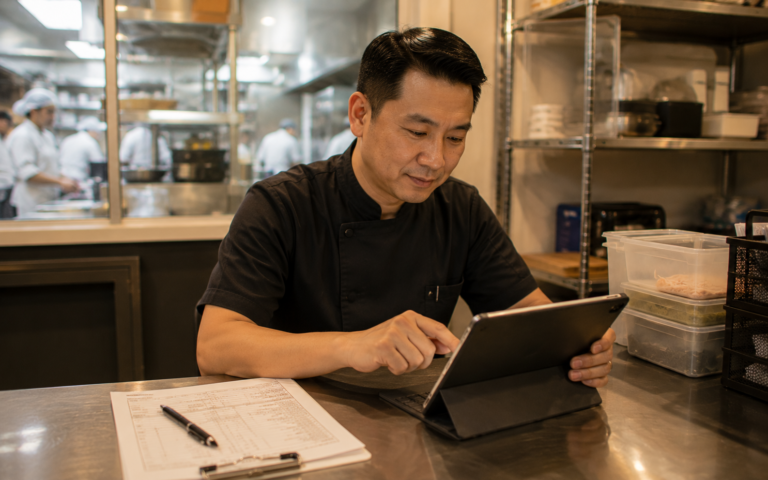
A POS built for a small food stall handles three things: it takes the order, accepts the payment, and records the sale. On a single tablet mounted at the counter, those three steps happen on one screen without a separate terminal, a receipt printer taking up bench space, or a system that needs a full setup to run.
For a stall owner running with one or two people during the lunch rush, the value is in how little gets in the way. The tablet shows the menu, the customer pays by SGQR, card, or cash, and the sale is logged automatically. At the end of the day, the owner has a full record without transcribing anything from a notepad.
The cost and space concern is real for hawker stall owners, and a modern POS addresses it directly. A tablet-based setup needs minimal counter footprint, and cloud-based POS systems typically operate on a monthly subscription rather than a large upfront hardware cost. No bulky terminal. No complicated installation. A stall that runs on one device at the counter can be fully operational on a lean POS the same week.
| Cash and notebook | Lean tablet POS | |
|---|---|---|
| Order entry speed | Manual write, risk of misread | One-tap pre-set buttons |
| Payment types | Cash only | Cash, SGQR, PayNow, card |
| Daily sales record | Manual tally at close | Auto-generated recap |
| Ingredient tracking | Eyeball estimate | Consumption-linked signal |
| IRAS record | Reconstruct from notes | Logged per transaction |
Keeping the lunch queue moving on a single tablet
At 12:30pm, every second at the counter multiplies across the queue. One slow transaction adds thirty seconds to what the fifth person in line waits. That compounds fast.
A POS designed for speed at the counter uses pre-set menu buttons. Popular dishes sit on the main screen. One tap logs the order, another tap takes the payment. For a hawker stall where most customers order the same five or six items at lunch, this layout means the cashier rarely needs to search for anything.
Common orders can be pre-set as one-tap combinations. A plate of char kway teow with a drink becomes a single button rather than two separate entries. The order goes through, the payment screen opens, the customer taps or scans, and the transaction closes. The next customer steps forward.
This is where a tablet POS outperforms cash-and-notebook at peak. A handwritten slip takes time to write, risks being misread at the wok, and gives you nothing searchable later. A digital order entered in two taps is faster, clearer, and already logged. Speed comes from removing every unnecessary step between “what do you want” and “next customer.”
SGQR payment at the stall counter
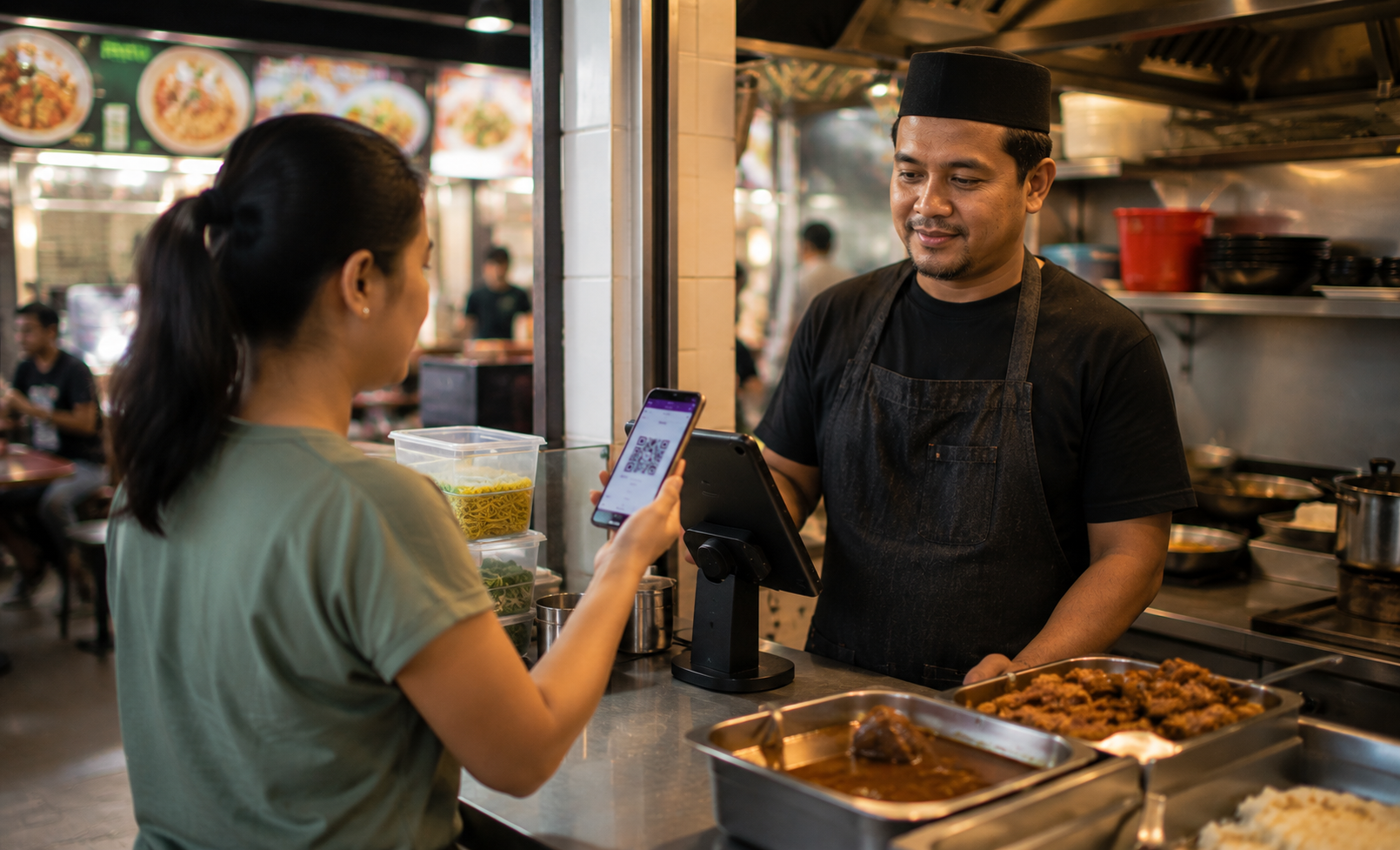
Singapore’s SGQR system means a customer at a hawker stall can pay from any bank app or e-wallet by scanning one QR code. No card machine needed. No cash change to count out during the rush. The customer scans, confirms the amount, and walks away. The stall owner sees the payment confirmed on the tablet.
PayNow works the same way for customers paying by bank transfer. Both are fast, and both reduce the cash handling that slows a counter during peak hours. Less time fumbling for change means shorter gaps between transactions.
Labamu POS Cashier runs on a single tablet and supports SGQR and QR payment acceptance at the counter, keeping each transaction lean during the lunch rush. For a hawker stall where the counter is small and the queue is not, the combination of fast order entry and cashless payment on one device makes a measurable difference to throughput.
IMDA drives digital payment adoption among small vendors in Singapore, and SGQR is the infrastructure that makes multi-wallet acceptance simple for a stall without a dedicated card terminal. The stall does not need separate hardware for each payment type. One QR code at the counter covers them.
Knowing when ingredients are running low
A hawker stall runs out of an ingredient the same way every time: the queue is still there, but the kitchen is not. The owner knew it was getting low but misjudged how quickly lunch would move through the stock.
A POS that tracks ingredient consumption links every sale to the ingredients it uses. Each plate of bak chor mee logged reduces the minced pork count in the system. When the count reaches a set threshold, the POS flags it. The owner sees the signal before the kitchen runs out, not after.
This function matters most during the lunch peak, when a stall can move through two days of regular volume in three hours. Eyeballing stock levels works on a slow day. On a busy Friday it does not. A consumption signal from the POS gives the owner a concrete number rather than a gut feel, and that number can be used to plan the next morning’s market run.
The reverse applies too. Over-buying ingredients that do not sell at the projected rate ties up cash and creates waste. A consumption record from the past week shows exactly how much of each ingredient moved on which days, which is more useful than a rough estimate when placing the next order.
What the daily sales recap shows at closing
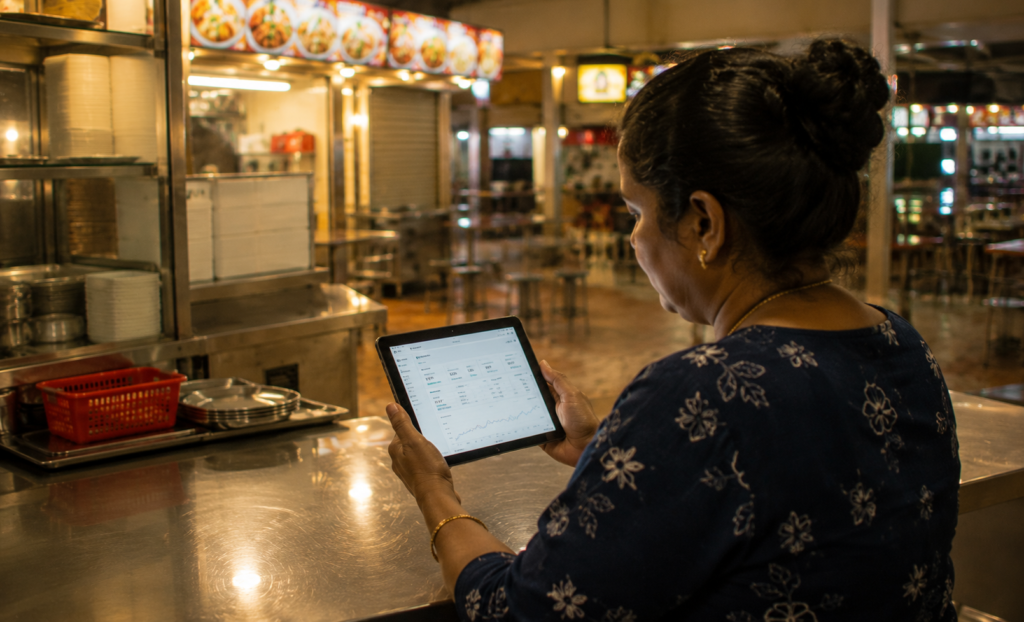
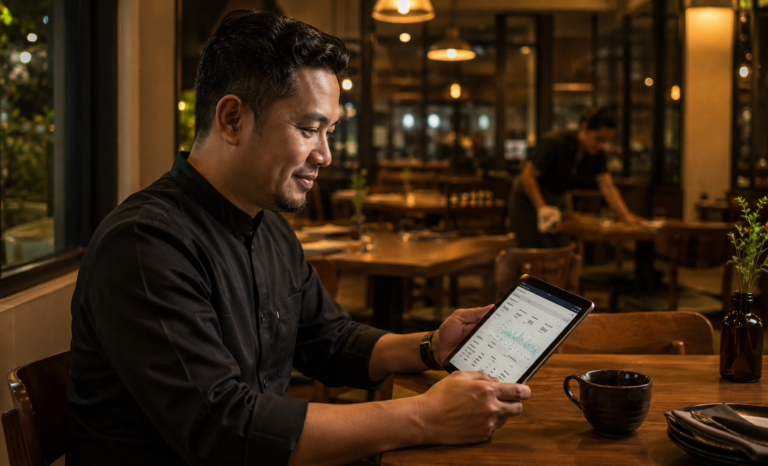
The wok is off, the counter is wiped, and the owner sits down with a tablet to see how the day went. A POS closing recap takes thirty seconds to read. A manual tally from a cashbox and a notepad takes longer and is harder to trust.
The recap shows total sales for the day, broken down by payment type: how much came in through SGQR, how much was cash, how much was card. It shows which dishes moved and which did not. If the char siew rice sold out by 1pm every day this week, the pattern is there in the data.
For IRAS record-keeping, the POS transaction log is already the record. Singapore stall owners are required to keep accurate sales records, and a POS that generates a daily summary by payment type makes that straightforward. No reconstruction needed at tax time. The data is already organized.
Peak-hour pattern data is a planning tool. If the system shows that the bulk of daily sales happen in the two-hour lunch window, that is a staffing signal and an ingredient signal at once. The owner can prep accordingly rather than discovering mid-service that the queue is longer than the prep allows.
A lean POS that fits a hawker stall
A hawker stall does not need an enterprise system. It needs something fast enough to keep up with the lunch queue, simple enough to run on a single device, and connected enough to surface the data that actually matters at the end of the day.
The features that move the needle for a hawker stall are specific: pre-set menu buttons for speed, SGQR and PayNow acceptance without a separate terminal, ingredient consumption tracking with low-stock signals, and a daily sales recap that is already organized when the owner sits down to close.
Labamu POS is one example of a system built around this kind of lean operation. Fast order entry, QR payment acceptance, ingredient tracking, and a daily reporting view sit together on one device, designed for a stall where counter space is limited and the lunch peak waits for nothing. For a hawker owner who is making the move from cash-and-notebook to a digital setup, the shift is smaller than it looks, and the clarity it brings to the end of each day compounds over time.