

What you will take away from this guide:
- A POS system often looks its best during a product demo.
- The dashboard is clean. The reports look impressive. Every feature appears just a few clicks away.
- The real test begins after the contract is signed.
That is when business owners discover how easily staff can learn the system, how quickly transactions move during busy periods, whether inventory data stays accurate, and how well the platform supports day-to-day operations.
The best POS system Singapore businesses choose is rarely defined by a polished demonstration alone. It is the system that continues to deliver value on an ordinary Tuesday, a busy weekend, and every growth milestone in between.
This guide will help you evaluate POS systems through a practical framework focused on operational fit, payment compatibility, reporting, scalability, and support, so you can make a confident decision for your business.
What Should Singapore SMEs Look for in a POS System?
The best POS system is not necessarily the one with the most features. It is the one that fits the way your business operates every day.
Many SME owners begin their search by comparing feature lists and vendor demonstrations. While features are important, operational fit should always come first. A POS system should support daily workflows, simplify routine tasks, and provide visibility into business performance.
When evaluating options, focus on five core areas:
- Business workflow alignment
- Payment integration capabilities
- Inventory and reporting tools
- Cloud accessibility and scalability
- Onboarding and support quality
These evaluation criteria create a practical framework that helps businesses compare vendors based on long-term value rather than marketing claims.
Start with Your Business Type and Daily Workflow
The fastest way to identify the right POS system is to start with your daily workflow. A café, a retail store, and a salon may all use POS software, yet the activities that drive revenue, serve customers, and manage operations can look very different from one business to another.
Understanding those differences helps narrow your evaluation criteria from the start and makes vendor comparisons much more meaningful.
F&B Businesses
Restaurants, cafés, bakeries, and quick-service outlets operate in environments where efficiency directly affects customer experience.
During lunch and dinner rushes, staff often manage dine-in orders, takeaway requests, delivery platform orders, and payment processing simultaneously. A POS system should help coordinate these activities smoothly.
Features worth prioritising include:
- Table management
- Kitchen display integration
- Menu and item modifier management
- Order workflow visibility
- Fast payment processing
For businesses handling multiple order channels, these capabilities help improve service consistency and maintain smooth operations during peak periods.
Retail Businesses
Retail operations depend heavily on inventory visibility and stock accuracy.
Whether managing fashion products, electronics, gifts, or specialty goods, retailers benefit from systems that provide clear insight into stock levels and product performance.
Important capabilities include:
- SKU-level inventory tracking
- Product variant management
- Purchase order management
- Inventory transfers
- Product performance reporting
This visibility becomes especially valuable during high-demand periods such as Chinese New Year, Hari Raya, school holidays, and year-end sales campaigns.
Service Businesses
Service-based businesses often balance appointments, staff schedules, memberships, and customer relationships.
For salons, spas, wellness centres, and professional service providers, operational efficiency depends on keeping schedules organised and customer information accessible.
Useful features may include:
- Appointment management
- Customer profiles
- Membership tracking
- Package redemption management
- Staff performance monitoring
The right POS system supports both internal operations and customer experience, helping businesses deliver a more consistent service journey.
Payment Integration: Matching Singapore Customer Expectations
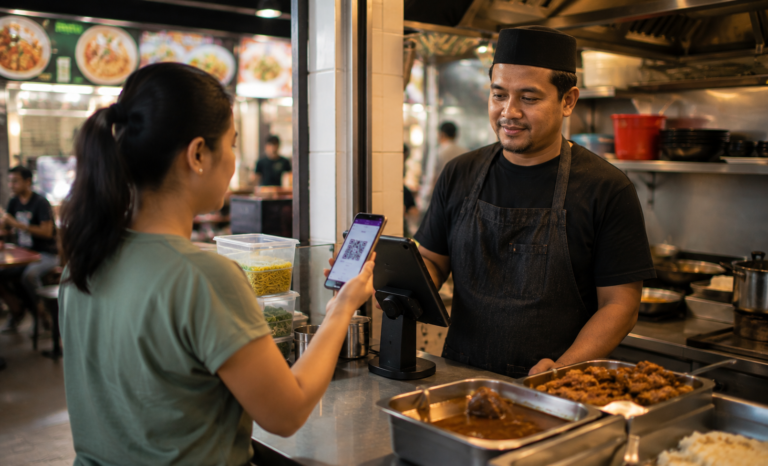
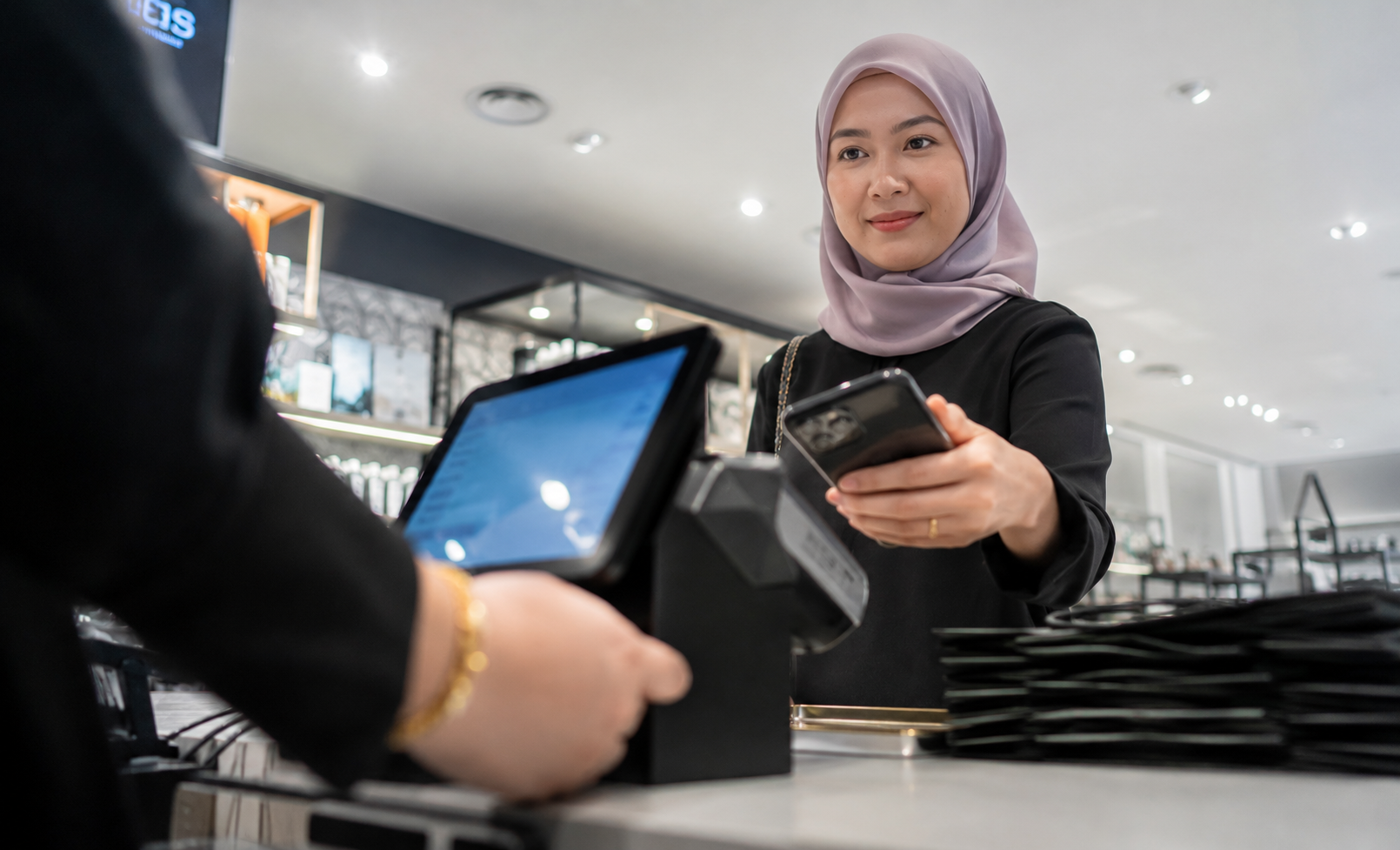
Payment preferences in Singapore have shifted toward digital-first methods. Customers now expect familiar options at checkout, including PayNow, SGQR, NETS QR, and card payments. For SMEs, supporting these methods means faster transactions, smoother customer experiences, and simpler end-of-day reconciliation from a single platform.
When evaluating a POS system, payment compatibility should include:
- PayNow
- SGQR
- NETS QR
- Debit cards
- Credit cards
- Mobile payment solutions
Supporting these payment methods helps create a smoother customer experience while improving transaction efficiency.
For example, a busy café during the lunch rush benefits from faster payment processing, while a retail store can serve more customers efficiently during festive shopping periods.
Payment integration also simplifies reconciliation by bringing transaction data into a single platform. This makes financial tracking easier and reduces administrative effort for business owners and managers.
Inventory and Reporting: What Your Operations Actually Need
Inventory and reporting capabilities often become the most valuable features after implementation.
The most useful reports answer practical business questions rather than simply displaying numbers.
Business owners should be able to quickly identify:
- Top-selling products
- Slow-moving inventory
- Peak trading periods
- Category performance
- Outlet-level performance
- Inventory replenishment needs
These insights support smarter operational decisions.
A retailer can use product performance data to optimise purchasing decisions before seasonal sales periods. A café can identify its busiest trading windows and align staffing accordingly. A service business can monitor appointment demand and resource allocation.
Modern cloud platforms such as Labamu combine POS functionality with inventory management and reporting tools designed for Singapore SMEs across F&B, retail, and service industries. By bringing sales, inventory, and operational data together, businesses gain real-time visibility that supports faster and more informed decision-making.
When evaluating vendors, request access to sample reports or live demonstrations. The goal is not simply to confirm that reports exist. It is to understand whether the information can be accessed easily and translated into action.
Cloud Access and Scalability for Growing Businesses

A POS system should support both current operations and future growth plans.
Cloud POS technology has become a preferred option for many SMEs because it provides flexibility, accessibility, and scalability from a single platform.
Business owners can access operational information from multiple devices while maintaining visibility across locations and teams.
Key benefits include:
| Capability | Business Impact |
|---|---|
| Real-time data access | Faster decision-making |
| Multi-device accessibility | Greater operational flexibility |
| Multi-outlet synchronisation | Consistent data across locations |
| Automatic updates | Continuous platform improvements |
| Centralised reporting | Easier performance monitoring |
For example, a retailer opening a second outlet can manage inventory across locations through a shared system. A growing café chain can maintain consistent reporting standards across multiple branches.
Data ownership is another important consideration. With a cloud POS, business information remains accessible through a central platform rather than being tied to a single device inside a store. As teams expand and responsibilities become more distributed, this accessibility helps maintain operational continuity and visibility.
For SMEs planning future expansion, cloud architecture provides a stronger foundation for growth.
Support, Onboarding, and Local Service Quality
Software features determine what a POS system can do. The implementation experience determines how quickly your team gets value from it. For Singapore SMEs, strong onboarding, local support access, and clear training resources help businesses move from setup to productive use with confidence.
Effective onboarding often includes:
- Initial setup support
- Staff training
- Data migration assistance
- Payment configuration guidance
- Ongoing customer support
Local expertise can also make a meaningful difference.
Singapore SMEs exploring digitalisation initiatives may encounter the SMEs Go Digital programme, which supports technology adoption among local businesses. Some POS providers are also listed on GoBusiness Tech Depot, making vendor research easier for business owners evaluating technology solutions.
The GoBusiness Tech Depot lists pre-vetted digital solutions across categories such as POS, accounting, HR, and cybersecurity. For SMEs comparing vendors, it provides a practical starting point backed by recognised evaluation criteria.
Businesses planning to strengthen financial workflows may also wish to explore compatibility with IRAS InvoiceNow, which supports electronic invoicing and digital document exchange between businesses.
Before committing to a vendor, consider asking:
- What does onboarding involve?
- How is support delivered?
- What training resources are available?
- How does the platform support future expansion?
- Which integrations are currently available?
The answers often reveal as much about the long-term partnership experience as the software itself.
A Practical POS Buying Checklist for Singapore SMEs
Use this checklist when comparing vendors and evaluating demonstrations.
| Evaluation Area | What to Assess |
|---|---|
| Business Workflow Fit | Does it support daily operations efficiently? |
| Industry-Specific Features | Are relevant tools available for your business type? |
| Payment Compatibility | Does it support PayNow, SGQR, and NETS QR? |
| Inventory Management | Can stock be tracked accurately? |
| Reporting | Are business insights easy to access? |
| Cloud Accessibility | Can data be accessed remotely? |
| Multi-Outlet Support | Can it scale across locations? |
| Integrations | Does it connect with accounting and business tools? |
| Onboarding | Is implementation support available? |
| Customer Support | How responsive is the support team? |
| Scalability | Can it support future growth plans? |
| Data Visibility | Is real-time information readily available? |
Using a structured checklist helps create a more objective evaluation process and makes it easier to identify the solution that aligns best with your operational needs.
Making Your Final Decision With Confidence
The best POS system Singapore SMEs choose is the one that fits naturally into daily operations while creating opportunities for future growth.
When payments, inventory, reporting, and business visibility work together effectively, owners gain more than operational efficiency. They gain confidence in the decisions they make every day.
The most successful POS implementations rarely begin with technology. They begin with a clear understanding of how the business operates today and where it aims to be in the years ahead.
When a POS system aligns with those goals, it becomes more than a transaction tool. It becomes part of the foundation that supports smarter decisions, stronger customer experiences, and sustainable growth.
A year from now, the right POS platform can help your business feel more organised, more connected, and more informed across sales, inventory, and growth decisions.
Labamu is one example of a cloud POS platform built for Singapore SMEs across F&B, retail, and service industries, helping businesses manage operations, gain visibility, and grow with confidence.
As you compare your options, focus on operational fit, long-term value, and the capabilities that will support your next stage of growth.