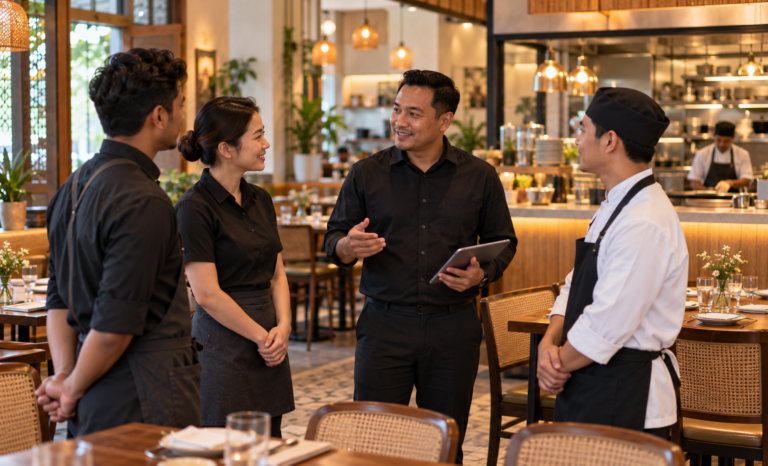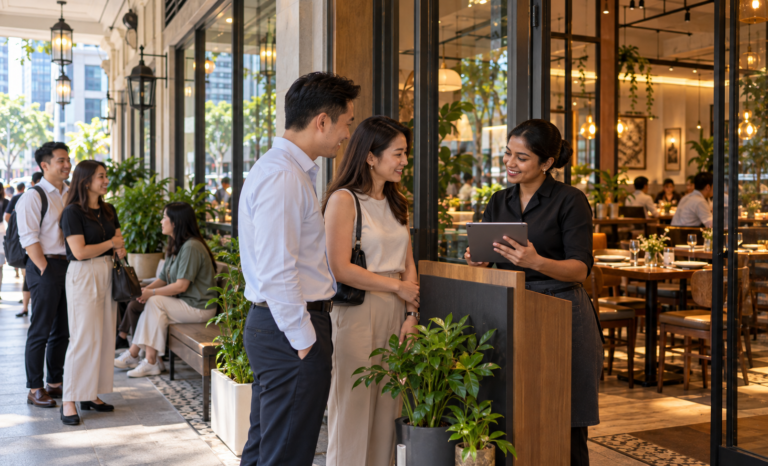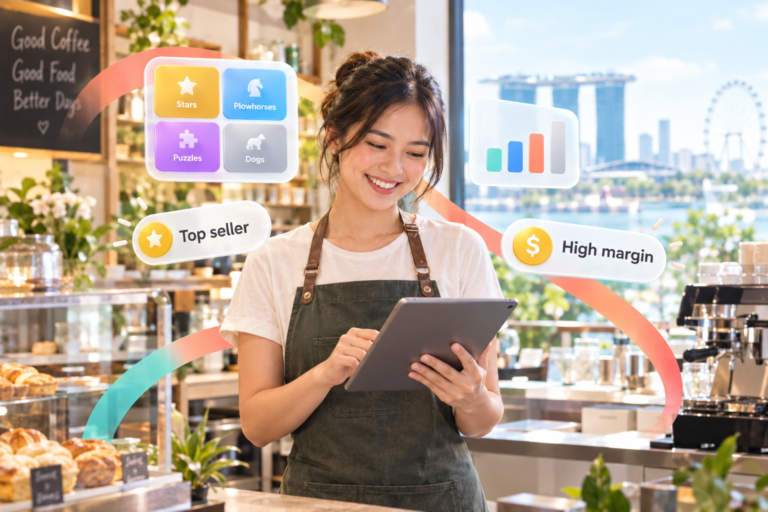


The booking book by the phone, the chat thread holding tonight’s tables, the sticky note for the couple who called at lunch. Reservations often live in three places at once, and every service starts with someone piecing them together. A restaurant reservation system brings them into one view, so the whole team knows which seats are spoken for before the first guest walks in.
That clarity counts for more when every cover matters. Food and beverage services sales in Singapore eased 1.6% year on year in August 2026, with restaurants down 2.1% (SingStat, 2026), which puts extra weight on filling the tables already in the room. This guide covers what a reservation system does, the features worth prioritising, and the setup that fits the way your restaurant serves.
Key takeaways:
- A restaurant reservation system gathers phone, chat, walk-in, and online bookings into one live view of every table.
- Real-time availability, self-booking with a waitlist, and walk-in handling are the three features that shape daily service the most.
- Booking reminders are associated with a 16% lower recorded no-show rate (Resos, 2026).
- The right setup depends on how your restaurant serves: fine dining, casual dining, and cafes each balance bookings and walk-ins differently.
- Booking confirmations sent to guests count as transactional messages under Singapore’s Do Not Call rules, while promotional messages need consent or a DNC Register check (PDPC, 2021).
Table of Content
What a restaurant reservation system is and how it works
A restaurant reservation system is software that records every booking in one place and matches it to real tables in real time. It takes requests from phone calls, chat messages, online forms, and walk-ins, checks them against table size and availability, then shows the whole team the same up-to-date picture of the evening ahead.
From phone notes to one booking system
Most restaurants begin with a paper book and a phone. It works well while the dining room is small and one person takes every call. As bookings arrive through more channels, the record splits. A manager confirms a table over chat, a server writes a walk-in name on a notepad, and the host only sees the paper book. Each record is accurate on its own, yet together they rarely add up to one reliable view.
A reservation system replaces those separate records with a single source. Every booking, whatever channel it came from, lands in the same calendar and is linked to a specific table and time slot. When a guest calls to move their booking from 7pm to 8pm, the change shows instantly for everyone, including the team planning the kitchen’s evening.
Where reservations end and table management begins
Reservations and table management are close partners with different jobs. A reservation system looks ahead: it handles who is coming, when, and how many. Table management looks at the present: it tracks which tables are seated, ordering, paying, or ready for the next party.
| Reservation system | Table management | |
|---|---|---|
| Main question | Who is coming tonight, and when? | What is happening at each table right now? |
| Time focus | Before guests arrive | While guests are seated |
| Key actions | Taking bookings, managing the waitlist, confirming guests | Seating, sending orders to the kitchen, closing bills |
| Main users | Host, manager, guests booking online | Host, servers, kitchen |
The two work best when they share the same floor plan. A booking for four at 7:30pm then appears directly on the table it will occupy, and the host can see at a glance whether that table will be free in time.
Benefits restaurants feel from the first week
- One shared view of the evening. The host, the manager, and the kitchen all plan from the same booking list, so the night starts organised.
- Calmer peak hours. With walk-ins and bookings visible together, the host can quote realistic wait times and seat guests in a steady flow.
- Better use of every table. Matching party size to table size keeps large tables free for large groups and fills smaller tables efficiently.
Features worth prioritising in a reservation system
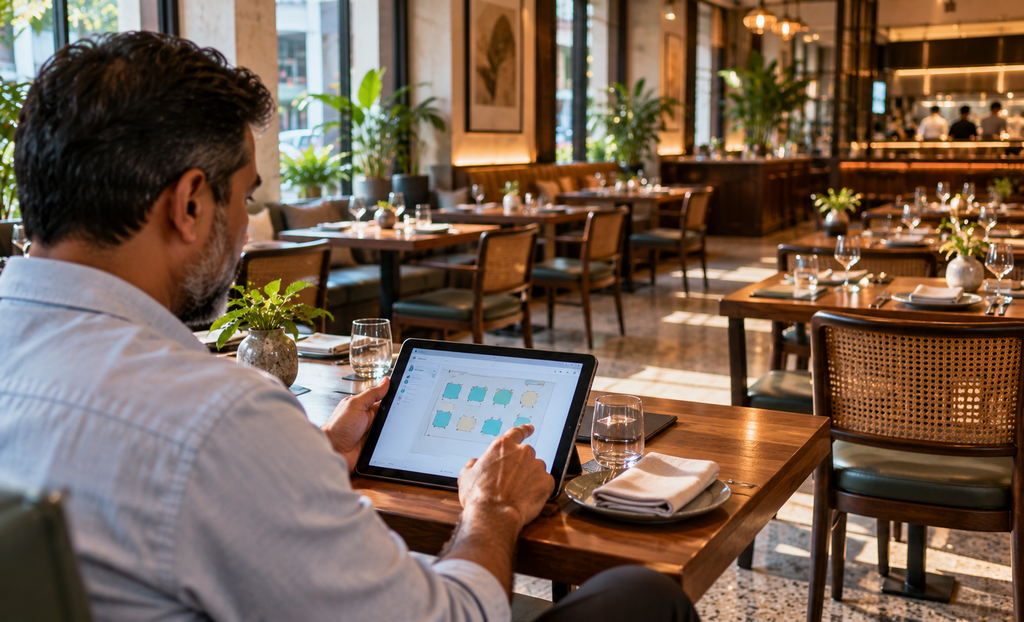
The features that matter most are the ones your team touches every service: live table availability, guest self-booking with a waitlist, and a single view that holds walk-ins and reservations together. Reporting and guest notes add value over time, yet these three shape how smoothly each evening runs from the first booking to the last seating.
Real-time table availability
Live availability means the system always knows which tables are free, seated, or held for an upcoming booking. When a guest asks for a table for six at 8pm, the host can answer in seconds instead of flipping through pages. This also protects against double bookings, because a table assigned to one party is immediately shown as taken for that slot.
Look for a system that lets you set table sizes, combine tables for larger groups, and adjust the floor plan when you rearrange the room for an event or a busy weekend.
Self-booking and waitlist
Self-booking lets guests reserve a table online at any hour, including the late evening when the phone line is closed. Each online booking goes straight into the calendar, which frees staff from taking calls during the busiest part of service.
A waitlist completes the picture. When the dining room is full, guests can join a queue and receive a seat as soon as one opens. This turns a full house into a managed line of future covers rather than a stream of guests walking away. Singapore’s refreshed Food Services Industry Digital Plan, released by IMDA and Enterprise Singapore in July 2025, also highlights AI chatbots that can handle reservations and order tracking around the clock, a sign of where guest-facing booking is heading (IMDA, 2025).
Walk-ins and reservations in one view
Walk-ins are part of everyday dining, especially at lunch and in busy neighbourhoods. A system that tracks walk-ins and bookings on the same floor plan helps the host decide whether a walk-in party can take a table now and still leave it ready for the 8pm booking.
Platforms that combine these functions make the decision faster. Labamu Reservations, for example, shows open, occupied, and reserved tables in real time, manages walk-ins and reservations in one connected system, and lets restaurants update their floor plan in seconds when the layout changes.
Keeping every confirmed seat filled
A confirmed booking only becomes revenue when the guest arrives. Industry data suggests missed bookings are a small share of reservations on average, yet each one leaves a table idle during prime hours. Reminders, clear confirmations, and a sensible deposit policy for high-demand slots help keep every confirmed seat filled.
What the numbers say about missed bookings
An analysis of 3.77 million reservations across 2,417 restaurant locations, covering August 2025 to July 2026, recorded an average no-show rate of 2.33% (Resos No-Show Index, 2026). On a busy Saturday with 80 bookings, that average works out to around two missed bookings. For a restaurant that held those tables during peak hours, every recovered booking counts.
The same dataset found that bookings which received an SMS reminder recorded a 16% lower no-show rate compared with unreminded bookings. The study describes this as an association rather than proof of cause, yet it supports a simple habit: confirm every booking ahead of service.
Reminders, confirmations, and deposits
A good routine has three parts. First, send a confirmation when the booking is made, with the date, time, party size, and how to change the booking. Second, send a reminder on the day, ideally a few hours before the seating. Third, decide where deposits make sense.
Deposits suit high-demand slots such as Friday and Saturday dinners, festive dates, and large group bookings. In Singapore, PayNow and SGQR make a small deposit quick to collect. The same Resos dataset recorded a lower raw rate for deposit-protected bookings (0.80% compared with 2.47%), though its matched analysis showed the gap closing once other factors were accounted for (Resos, 2026). Treat deposits as one tool for peak slots, and keep the policy clear on the booking page so guests know what to expect.
Restaurant reservation system
Fill every table with one clear booking view
Three things restaurants feel right away
One booking view
Every channel lands in one calendar.
Live table status
Free, occupied, and reserved at a glance.
Calmer peak hours
Walk-ins and bookings flow together.
What a modern reservation system handles
BOOKING
- Phone and chat bookings recorded
- Online self-booking at any hour
- A waitlist when the room is full
- Walk-ins logged on the floor plan
RESULT
- One shared view for the team
- Fewer double bookings
- Tables matched to party size
- Every confirmed seat planned for
Booking data for restaurants
2.33%
Average recorded no-show rate across 3.77 million reservations
16%
Lower recorded no-show rate with an SMS reminder
1.6%
Year-on-year change in Singapore F&B services sales, August 2026
Sources: Resos No-Show Index 2026; SingStat, October 2026 release
Features that support a fuller dining room
Real-time table availability
- Free, occupied, and reserved status
- Set table sizes and combine tables
Self-booking and waitlist
- Bookings at any hour
- A managed queue when the room is full
Walk-ins and reservations together
- One connected floor plan
- Faster seating decisions
Flexible floor plans
- Set by size, capacity, and seating
- Layouts updated in seconds
Choosing a reservation setup by restaurant type
The right reservation setup depends on how long guests stay and how much of your trade comes from walk-ins. Fine dining leans on advance bookings and fixed seatings, casual dining blends bookings with walk-ins, and cafes rely mostly on walk-ins with a light booking layer for groups. Matching the setup to your format keeps the system useful every day.
Fine dining and set-menu restaurants
Fine dining usually runs one or two seatings per table each service. Industry benchmarks place fine dining at around one to two table turns per service, compared with about three turns per dinner for family restaurants (Performance Foodservice via Toast). With so few turns, each booking carries more value.
A strong setup here includes fixed seating times, deposits for peak nights, and guest notes for dietary needs, celebrations, and seating preferences. Confirmations the day before help the kitchen plan precise prep for a set menu.
Casual and family dining
Casual restaurants serve a mix of booked and walk-in guests, often with several turns per evening. The priority is flexibility. Hold a portion of tables for walk-ins, set realistic time slots for each party size, and use the waitlist to keep the room full during peak hours.
A short buffer between bookings on the same table gives servers time to reset so the next party is seated on time. Over a few weeks, booking history will show which time slots fill first, so you can adjust table holds and slot lengths to match real demand.
Cafes and fast-casual outlets
Cafes and fast-casual outlets run mainly on walk-ins with quick turns. A full reservation flow is rarely needed for every table, yet group bookings, weekend brunch, and private events still benefit from a simple booking option. A waitlist is often the most valuable feature here, because it keeps the queue organised at the door when the room fills at peak times.
Labamu as a connected reservation solution
Labamu is a connected business platform built for businesses in Singapore, and Labamu Reservations brings bookings, the waitlist, and walk-ins into one system. Restaurants see live table status, let guests book on their own, and adjust their floor plan as service changes, so the team plans each evening from one clear view.
Reservations, waitlist, and walk-ins in one system
Labamu Reservations shows which tables are free, occupied, or reserved for future guests, so the host can answer availability questions instantly. Guests can book or join the waitlist on their own, which reduces the time staff spend on calls and paperwork. Walk-ins and reservations sit in the same connected system, and floor plans can be set by table size, capacity, and seating arrangement, then updated in seconds when the room changes.
For restaurants that also want to manage tables, orders, and the kitchen on the floor, Labamu’s Restaurant Management System, now rolling out in stages, extends this view to table management and the kitchen display.
Getting started with Labamu
Start by mapping your floor plan and table sizes, then decide which tables you will hold for walk-ins at peak hours. Turn on online booking and the waitlist, and agree on a short confirmation routine with your team. After a few weeks, review which time slots fill first and adjust your setup.
Retire the sticky note. Tonight’s tables deserve one clear view. Explore Labamu Reservations to see how a connected booking system fits your restaurant.
Frequently asked questions
Is a reservation system worth it for a single-outlet restaurant?
Yes, especially once bookings arrive through more than one channel. A single-outlet restaurant gains one shared view of the evening, fewer double bookings, and online booking that works after hours. The benefit grows with every channel you add, from phone and chat to online forms.
How many tables should a restaurant keep for walk-ins?
It depends on your format and location. Restaurants in busy lunch areas often hold more tables for walk-ins, while destination dining relies more on bookings. Start with a modest share, review your booking history after a few weeks, and adjust the number based on which slots fill first.
Do booking reminders help fill confirmed seats?
Industry data suggests they do. In a Resos analysis of reminded bookings, those that received an SMS reminder recorded a 16% lower no-show rate (Resos, 2026). The study treats this as an association, yet a same-day reminder is a simple habit that keeps guests informed and plans on track.
What guest information can a restaurant store under PDPA?
Restaurants can collect the details needed to manage a booking, such as name, contact number, and party size, when guests are told the purpose and give consent under the Personal Data Protection Act. Booking confirmations are transactional messages. Promotional messages to Singapore numbers require clear consent or a check against the Do Not Call Register (PDPC, 2021).
What is the difference between a reservation system and table management?
A reservation system manages guests before they arrive: bookings, time slots, and the waitlist. Table management handles service once guests are seated: table status, orders to the kitchen, and bills. The two work best together on a shared floor plan.
Can guests book online instead of calling the restaurant?
Yes. Online self-booking lets guests choose a date, time, and party size at any hour, and the booking goes straight into the restaurant’s calendar. This frees staff from phone calls during service and captures bookings made late in the evening.
Can a reservation system handle walk-ins and a waitlist together?
Yes. A connected system shows walk-ins and reservations on the same floor plan, so the host can seat a walk-in party while keeping a table ready for an upcoming booking. When the room is full, guests can join the waitlist and be seated as tables open.
Do staff need training to use a reservation system?
Most modern reservation systems are designed for quick learning. A short walkthrough of taking a booking, seating a walk-in, and managing the waitlist is usually enough for hosts and servers. A shared routine for confirmations helps the whole team use the system consistently.