

- Why a counter-first POS is the wrong fit for a catering business, and what to look for instead
- How a POS manages the full document flow from client enquiry to confirmed booking to invoice
- What order management looks like when multiple events are running at the same time
- How daily sales data from a POS supports IRAS record-keeping without manual reconciliation
Three event enquiries arrive on the same Tuesday. One is a corporate lunch for forty, confirmed and waiting on the final menu. One is a wedding tea reception, still at the quotation stage. One is a Hari Raya open house, just enquired, no details yet. The catering owner tracks all three, each at a different stage, each with a different client, a different menu, and a different deadline.
The operation runs entirely on documents and timing. Every booking has a client, a confirmed scope, and a deadline.
A POS built for this kind of business does not speed up a checkout line. It keeps every booking organized from the first enquiry through to the payment confirmation, so nothing slips between stages.
Editors Pick
- What is a POS system? A complete guide for SMEs
- How Does a POS System Work? A Step-by-Step Guide
- How to Choose a POS System
- How to Read POS Report
What a catering business actually needs from a POS
A standard counter POS is designed for speed at the point of sale: fast order entry, queue management, split bills, table turnover. A catering business uses none of that. There is no counter to staff, no queue to move, no table to turn.
What a catering POS handles instead is the document lifecycle of each event. A client enquiry becomes a quotation. A confirmed quotation becomes an event order. A completed event becomes an invoice. Each stage produces a document that the next stage depends on, and a POS that manages this flow keeps the owner out of spreadsheets and email threads.
For a Singapore catering business running multiple concurrent bookings, the operational risk is not a slow checkout. It is a confirmed order with the wrong menu, an invoice sent with the wrong amount, or a booking that falls through the cracks between stages. The right POS addresses exactly that.
| Stage | Manual tracking | POS-managed flow |
|---|---|---|
| Client enquiry | Email thread, WhatsApp | Logged as new enquiry in system |
| Quotation | Drafted in Word or email | Built and sent from POS |
| Order confirmation | Updated manually in spreadsheet | Status updates automatically |
| Invoicing | Rebuilt from email chain | Generated from confirmed order |
| Payment record | Bank statement cross-check | Logged per transaction in POS |
From enquiry to confirmed booking: the quotation flow
A catering engagement starts before any food is prepared. The client describes the event, the owner builds a quotation: menu items, quantities, per-head pricing, service fees, and event date. The quotation goes to the client. The client revises, confirms, or walks away.
In a manual workflow, this stage lives in email drafts, WhatsApp messages, and a spreadsheet that may or may not reflect the latest version. When the client confirms, the owner has to reconstruct the final agreed scope from the conversation thread before anything can move forward.
A POS with built-in quotation management keeps this stage in one place. The owner builds the quotation inside the system, sends it to the client, and when confirmation comes through, the order status updates. The confirmed scope carries forward automatically. No reconstruction. No re-entry.
For a catering business that handles multiple events per week, this matters most during busy periods. A Deepavali corporate dinner season or a wedding peak in the mid-year months can stack three or four enquiries in the same week, each at a different stage. A quotation management system that shows the status of each one, and moves them forward cleanly on confirmation, keeps the owner in control of the pipeline without a dedicated admin tracking it manually.
From confirmed order to payment: invoicing after the event
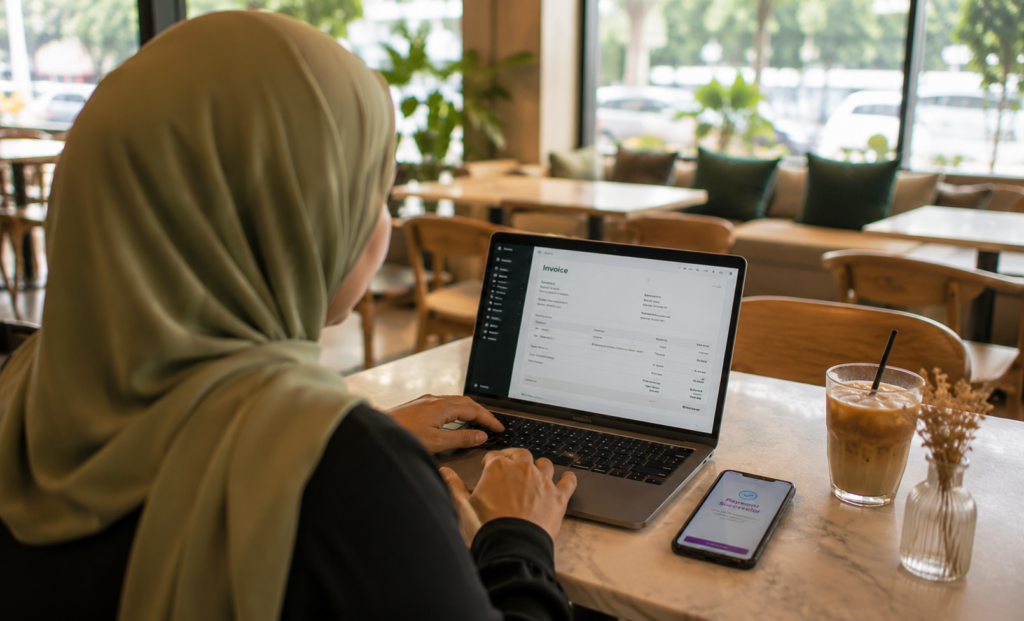
The event is done. The client is happy. Now the invoice needs to go out, and it needs to be accurate.
In a catering business, the invoice amount often depends on final headcount or last-minute menu additions confirmed on the day. A POS that links the invoice to the confirmed event order means the owner starts from a document that already has the agreed scope. Adjustments for the day’s actuals are added on top, not rebuilt from scratch.
Labamu’s Quotation Management and Invoicing work as a connected flow: once a booking is confirmed, the owner moves from event order to client invoice without re-entering the original line items. For a catering business billing multiple clients in the same week, that continuity between stages reduces the chance of a figure being mistyped or a line item being missed.
Once the invoice is issued, the client pays. PayNow is a common settlement method for Singapore B2B transactions: the client transfers directly, the payment is confirmed, and the record closes. A POS that logs the payment against the invoice gives the owner a clean audit trail from quotation to settlement in one system.
Keeping event orders organized across multiple bookings
A catering business with ten events in the pipeline has ten concurrent realities to track. Each booking has a different client, a different venue, a different menu, and a different date. Some are confirmed and in production. Some are still at the quotation stage. Some are completed and waiting on payment.
A POS order view that shows all active bookings, with their current status visible at a glance, replaces the manual tracker that most catering owners build in a spreadsheet or a whiteboard. The owner opens the system and sees which events are confirmed, which are pending client response, and which have been invoiced and are waiting on payment.
This becomes especially important when the business grows past a solo operation. A second person helping with logistics or client coordination needs to see the same picture the owner sees. A shared order view in a cloud-based POS means both people are working from the same information, not comparing notes across two different tracking documents.
Concurrent event management is where catering businesses feel the limits of manual systems first. A POS that organizes bookings by status and date does not add complexity to the operation. It removes the mental overhead of holding the full pipeline in memory.
What sales data tells a catering owner between events
Between bookings, the data from past events becomes a planning tool. A POS that records each event’s revenue, menu composition, and client type builds a picture over time that a manual record rarely produces clearly.
The most useful signals for a catering business are not daily. They are seasonal and categorical. Which event types generate the most revenue? Which menu items are requested most consistently across corporate bookings versus private events? Which months stack the most confirmations, and which are quiet enough to take on larger event prep?
For IRAS record-keeping, the POS transaction and invoicing log is already the record. Singapore businesses are required to maintain accurate sales documentation, and a catering POS that generates an event-by-event revenue summary by payment type makes that straightforward at filing time. No reconstruction from email threads or bank statements.
The reporting layer also supports pricing decisions. If the data shows that per-head margins on small private events are consistently lower than on corporate lunches of similar size, that is a signal worth acting on when the next enquiry comes in.
A POS built for how catering businesses actually run
A catering business does not need a POS that moves a queue faster. It needs one that keeps every booking organized from the first client message to the final payment confirmation, with a clear record at every stage.
The features that matter for a Singapore catering operation are specific: quotation creation and status tracking, event order management across concurrent bookings, invoicing that links directly to the confirmed order, PayNow settlement, and a reporting view that organizes revenue by event without manual reconstruction.
Labamu POS is one example of a system that covers this full flow. Quotation Management, Invoicing, order tracking, and daily reporting sit in one connected system, designed for a business where the document is the product and accuracy between stages is what the client relationship depends on. For a catering owner who is currently managing enquiries across email, WhatsApp, and a spreadsheet, consolidating that into one system changes what the end of each booking week looks like.
See how Labamu POS works for catering businesses in Singapore.