

- Understand what happens behind the scenes when a customer completes a payment.
- Learn how a POS system connects payments, inventory, and reporting in a single workflow.
- See why many Singapore SMEs are adopting cloud POS systems to improve visibility and day-to-day operations.
Most business owners know when a sale happens. Fewer know everything that happens immediately after.
A customer pays for a meal, a cup of coffee, or a retail purchase in a matter of seconds. Behind that transaction, however, a POS system is updating inventory, recording payment information, storing sales data, and preparing reports that help the business operate more efficiently.
Understanding how these processes connect is the key to understanding what a POS system actually does.
For many business owners evaluating their first POS system, understanding how these steps work together makes it easier to choose the right solution. This guide breaks down the full transaction lifecycle, from the moment an order is entered to the moment sales data appears in a report.
What Actually Happens When a Customer Pays at a POS?
When a customer makes a purchase, a POS system follows a sequence of connected actions. The system records the order, calculates the total amount, processes the payment, updates inventory, stores transaction information, and refreshes reporting data. In a cloud POS environment, these updates happen almost instantly across connected devices and locations.
Think of a POS system as the central coordinator of a transaction.
Instead of treating payment, inventory, and reporting as separate tasks, a modern POS brings them together into one workflow. This helps business owners spend less time gathering information and more time acting on it.
Let’s walk through each step.
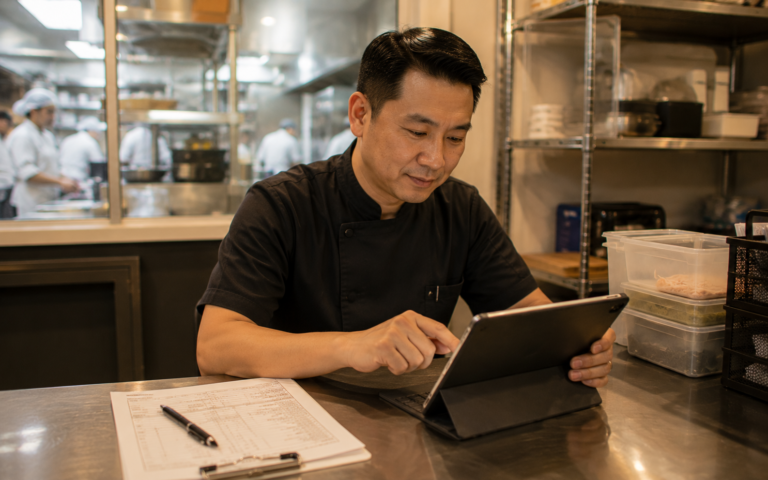
Step 1: Order Entry and Item Selection
Every transaction starts with item selection. Whether the business is a café, retail store, beauty salon, or service provider, the POS captures the products or services being purchased and prepares the transaction for checkout.
In a retail store, staff may scan a barcode or search using an SKU number. In a restaurant, staff usually select menu items from a touchscreen interface.
As items are selected, the POS automatically retrieves information such as:
- Product name
- Selling price
- SKU or item code
- Tax settings
- Available inventory
- Active promotions or discounts
For F&B businesses, modifiers can also be included.
For example:
- Less sugar
- Extra espresso shot
- Add avocado
- Upgrade to a larger size
The system calculates the order total automatically, helping staff serve customers quickly during busy periods.
A coffee shop experiencing a morning rush may process dozens of similar orders within a short window. Rather than manually calculating prices or checking promotions, staff can focus on serving customers while the POS handles the transaction details.
At this stage, the POS has already created the foundation for everything that happens next.
Step 2: Payment Processing in Singapore

Once the order is confirmed, the POS moves into payment processing. The system sends payment information to the selected payment method, verifies the transaction, records the result, and links the payment directly to the sale. This creates a complete record that can be tracked later for reporting and reconciliation.
Singapore consumers use a wide variety of payment methods.
Common options include:
- Cash
- Credit cards
- Debit cards
- PayNow
- SGQR
- NETS QR
- GrabPay
Let’s look at a PayNow transaction.
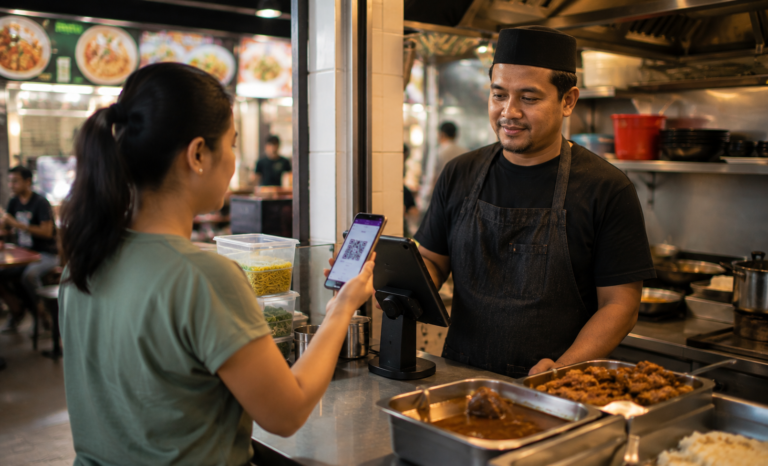
The POS generates a payment request or displays a QR code. The customer scans the code using their banking application and approves the payment. Once confirmation is received, the POS automatically records the successful transaction.
The same principle applies to SGQR.
SGQR was introduced as Singapore’s unified QR payment standard, allowing businesses to accept multiple payment methods through a single QR code. This simplifies the checkout experience and reduces counter clutter.
NETS QR and GrabPay transactions follow a similar process. The POS receives payment confirmation and associates it with the transaction record.
Once payment is completed, the system can generate:
- A printed receipt
- A digital receipt
- A payment reference number
- A complete transaction record
For the customer, the payment is finished.
For the business, the transaction data has only just begun creating value.
Step 3: Inventory and Stock Updates
As soon as a sale is completed, the POS updates inventory records automatically. This ensures stock levels remain accurate throughout the day and gives business owners a clearer view of product movement across their business.
Inventory visibility becomes increasingly important as product catalogues grow.
Imagine a retail business selling 1,000 different products across multiple categories. Updating stock manually after every sale would consume significant time and create opportunities for inconsistencies.
A POS system simplifies the process.
When a customer purchases an item:
- Stock levels decrease automatically
- Inventory reports update immediately
- Product availability remains current
- Reordering decisions become easier
Consider a café selling bottled cold brew.
If ten bottles are sold during lunch service, the inventory count adjusts automatically after each transaction. Staff can see remaining stock levels without performing a manual count.
For businesses operating multiple outlets, cloud POS systems provide even greater visibility.
Managers can monitor:
- Inventory by location
- Fast-selling products
- Slow-moving stock
- Reorder requirements
- Stock transfer needs
This visibility supports better planning and reduces the guesswork involved in inventory management.
For example, cloud POS platforms such as Labamu allow business owners to view inventory movement alongside sales activity within a single system. Instead of checking separate tools, they can see how transactions affect stock levels in real time.
Step 4: Reporting and Sales Data
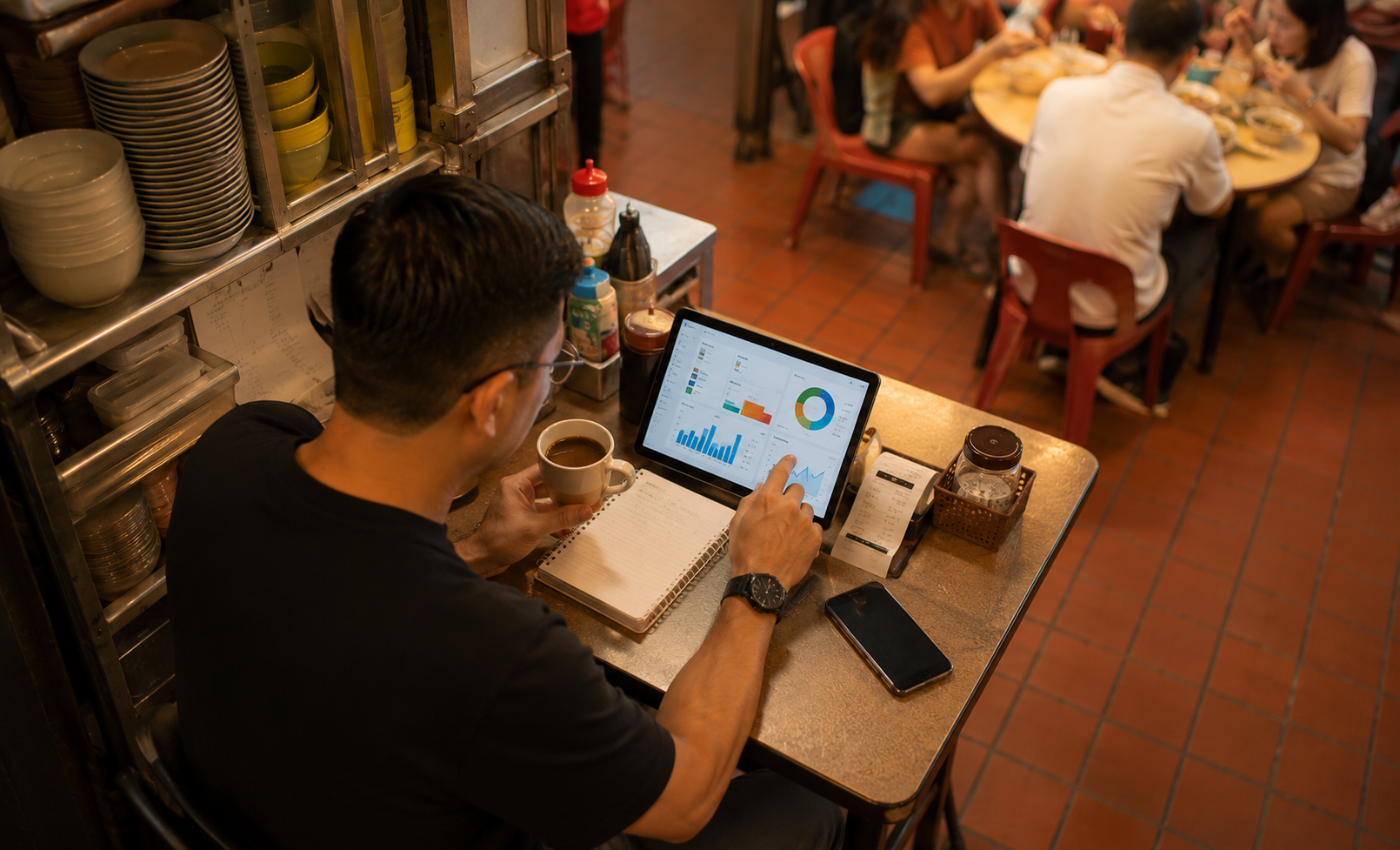
Every completed transaction generates information that helps businesses understand performance. The POS captures this data automatically and organizes it into reports that owners and managers can use to make informed decisions.
A POS does far more than store sales records.
It helps answer questions such as:
- Which products sell best?
- Which payment methods are most popular?
- What are the busiest operating hours?
- Which outlet generates the most revenue?
- How are promotions performing?
Typical reports include:
- Daily sales summaries
- Weekly performance reports
- Monthly revenue reports
- Product performance reports
- Payment method breakdowns
- Staff performance reports
A restaurant owner might discover that lunch service generates most of the day’s revenue.
A retailer might identify a product category that consistently performs well during year-end sales periods.
A salon owner might notice that appointment bookings increase significantly on weekends.
These insights help businesses make decisions based on actual customer behaviour rather than assumptions.
Over time, transaction data becomes one of the most valuable assets a business can have.
What Happens After the Transaction Is Completed?
Many business owners assume the transaction ends once payment is approved. In reality, the POS continues working behind the scenes after checkout.
The system updates multiple records simultaneously.
Inventory has already been adjusted. Sales reports have already been refreshed. Payment information has already been recorded.
Additional processes may also occur depending on the business setup.
For example:
- Digital receipts may be sent automatically
- Loyalty points may be awarded
- Customer purchase history may be updated
- Sales dashboards may refresh in real time
- Management reports may be generated automatically
For businesses using connected financial workflows, transaction data can also support accounting and invoicing processes.
Some businesses are beginning to adopt solutions such as InvoiceNow, Singapore’s nationwide e-invoicing framework, to streamline invoice exchange and improve operational efficiency. When business systems are connected, administrative work becomes easier to manage.
The transaction may be complete, but the information it creates continues supporting business operations throughout the day.
How Cloud POS Systems Connect All Four Steps in Real Time
Traditional POS systems often store information on a single device. Cloud POS systems take a different approach by synchronizing information across connected locations, devices, and dashboards in real time.
This means that when a transaction occurs:
- The order is recorded.
- Payment is processed.
- Inventory is updated.
- Reports are refreshed.
Everything happens within a connected workflow.
The difference becomes more noticeable as businesses grow.
| Traditional POS | Cloud POS |
|---|---|
| Data stored on local devices | Data synchronized online |
| Limited remote access | Accessible from multiple locations |
| Manual report consolidation | Centralized reporting |
| Basic visibility | Real-time business visibility |
| More effort for multi-outlet management | Easier multi-outlet management |
For a business owner managing multiple locations, this visibility can make a significant difference.
Instead of waiting until the end of the day to review performance, managers can monitor sales, payments, and inventory activity as it happens.
Platforms such as Labamu are built around this connected model, helping Singapore SMEs keep transactions, stock movement, and reporting aligned across the business.
What This Means for Your Daily Operations
A POS system is often described as a payment tool, but its role extends much further.
Every transaction creates information. The real value comes from how efficiently that information moves through the business.
For restaurants, a POS helps coordinate ordering, payment, inventory, and reporting.
For cafés, it supports faster service during peak periods.
For retailers, it provides visibility into inventory performance and sales trends.
For service businesses, it creates a reliable record of customer transactions and operational activity.
The benefit is not simply processing payments more quickly.
The benefit is creating a clearer view of how the business operates every day.
Ten years ago, a POS system was primarily a digital cash register. Today, it functions as a source of operational visibility. Every transaction contributes data that helps business owners understand customer demand, inventory movement, and business performance.
Labamu is one example of a cloud POS system built for Singapore SMEs. Designed for F&B, retail, and service businesses, it connects payments, inventory, reporting, and operational visibility within a single platform.
If you are exploring how a modern POS system can support your business, understanding how these connected workflows operate is a practical first step. The better you understand the journey behind every transaction, the easier it becomes to choose tools that support long-term growth.