


Labamu HRIS
Employee offboarding software from last day to final pay
Record the last working day once, and Labamu HRIS updates the employee’s status, ends mobile app access after they leave and starts the final settlement. Exit tasks, interviews and final pay follow in one place.
A clear handover when someone moves on
When an employee leaves, equipment, handover, access and final pay all need an owner and a date. With offboarding in one HRIS software, every step is tracked from the resignation letter to the final payment.
Every exit step in one flow
Separation in one step
Status, employment and schedules update from the last working day.
Details ↓
Mobile app access ends on time
Access closes automatically after the last working day.
Details ↓
In the app
Exit checklist
Tasks with owners and due dates, from your own template.
Details ↓
Exit interviews
Feedback and the final decision recorded for each leaver.
Details ↓
Full-and-final settlement
Everything owed both ways, in one net amount.
Details ↓
Gratuity rules
Gratuity by years of service, paid via payroll or the settlement.
Details ↓
Separation in one step
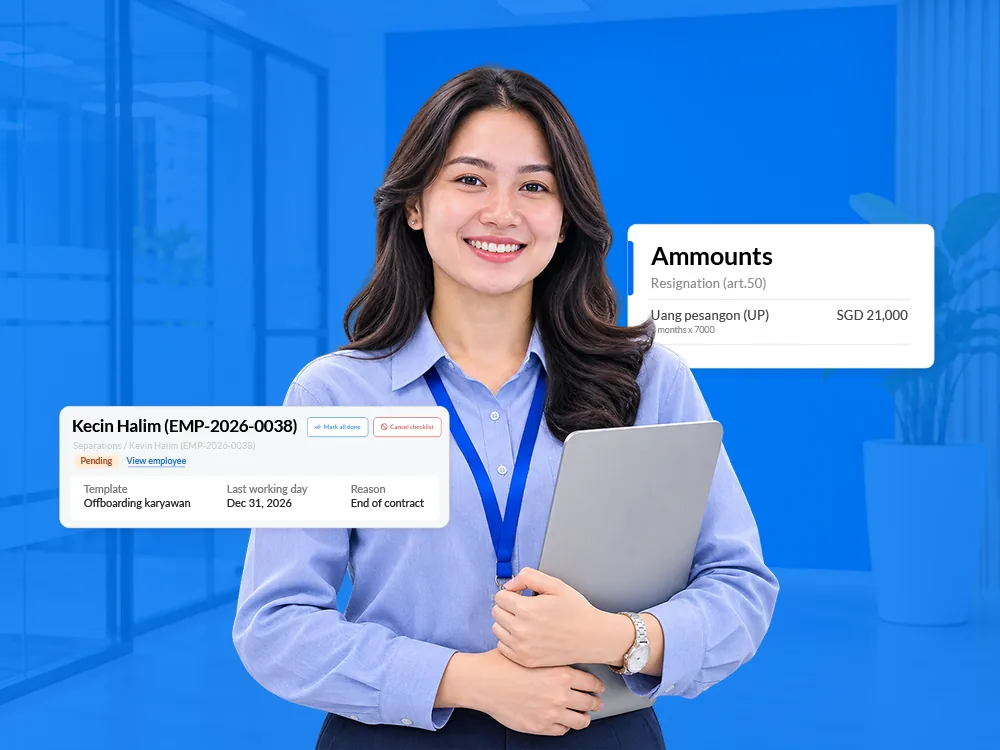
Pick the last working day and the reason, and the record updates on its own. Future shifts and leave policies end after the last day, and a draft final settlement appears in payroll.
- Reasons such as resignation, termination, end of contract and retirement
- Status on notice until the last day, then treated as separated
- Employment ends on the last working day, with the change in the history
- Resignation letter date and an exit interview summary on the record
Mobile app access ends on time
Leavers can use the app up to and including their last working day. From the next day, their account switches off the first time they open the app.
- Access disabled right away when the last working day has already passed
- A clear message asking the former employee to contact HR
- Leaver accounts stay disabled for good
Exit checklist
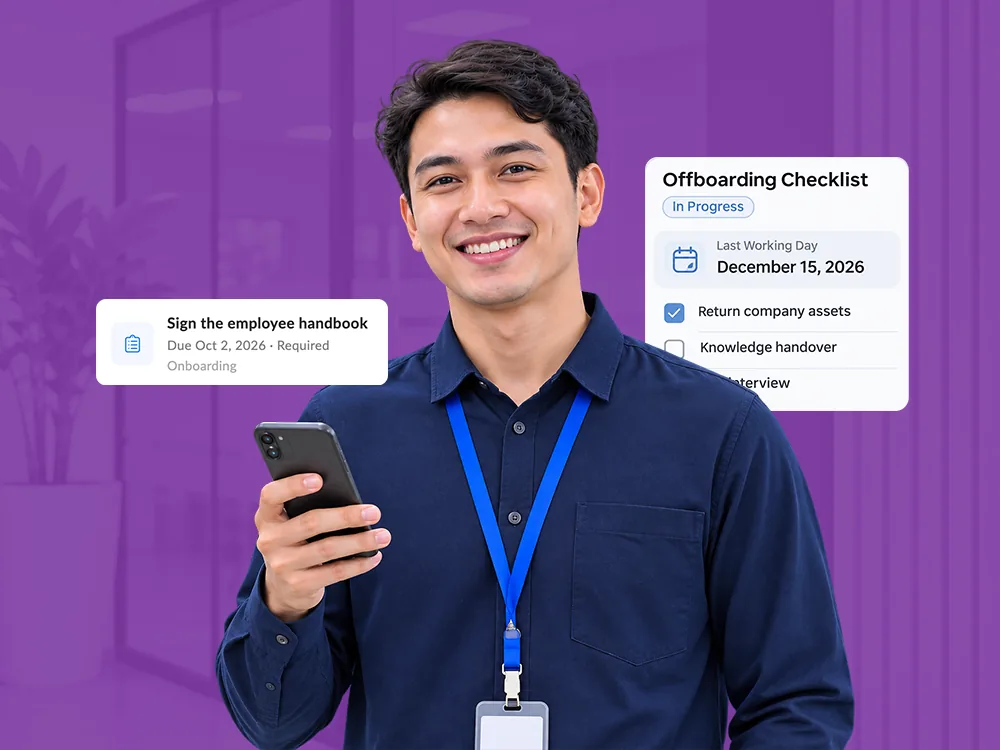
Turn your exit template into tasks for HR, IT, finance and the manager, each with an owner and a due date. Everyone works through their tasks in My tasks, on the web or in the app.
- Tasks from your own exit template, dated from the resignation letter or today
- Progress on one screen, with tasks added or removed as needed
- Mark all done when every step is finished
- Leavers see their own exit tasks in the app, with their last day shown In the app
Exit interviews
Schedule an exit interview with up to 10 interviewers for anyone with a recorded last day. Afterwards, record the feedback and whether the exit is confirmed or the employee is retained.
- Interview date and interviewers in one place
- Final decision: exit confirmed or employee retained
- Employee exits report with interviews, decisions and pending items
Full-and-final settlement
A draft settlement appears as soon as the separation is recorded. It lists what the company owes and what the employee owes, and shows one net amount for approval.
- Held salary, unused leave, gratuity and expense claims as payables
- Advances, loans, notice recovery and unreturned assets as deductions
- Submission once every company asset is marked returned
- Marking it paid closes the linked advances, loans and claims

Gratuity rules
Define gratuity by years of service with your own slabs, and apply the same rule to everyone. Each gratuity is paid through payroll or added to the final settlement.
- Slabs by years of service, each with its own fraction of pay
- Years counted exactly or rounded, with a minimum if you set one
- Base amount taken from the last final payslip
- Paid via payroll or via the full-and-final settlement
Also included: multi-step approvals and the employee mobile app
How it works
Record the separation
HR records the last working day and reason on the web, with an exit checklist from your template.
Work the checklist
Task owners complete their exit tasks in My tasks on the web or in the app.
Hold the exit interview
HR schedules the interview and records the feedback and final decision.
Settle final pay
Payroll calculates the settlement, it goes for approval, and finance marks it paid.
Employee offboarding FAQ
What happens when HR records a resignation?
The employee moves to on notice, or to separated if the last day has passed. Their employment ends on that day, and a draft final settlement appears in payroll.
When does a leaver's app access end?
Leavers use the app up to and including their last working day. The account is disabled the first time they open it after that.
Who completes the exit checklist?
Each task has an owner, such as HR, the manager or the leaver, and appears in their My tasks on the web or in the mobile app.
What does the final settlement include?
Held salary, unused leave, gratuity and claims on one side, and advances, loans, notice recovery and unreturned assets on the other, with one net amount for approval.
Can we record why people leave?
Yes. Each separation has a reason, and exit interviews record the feedback and final decision, which show up in the employee exits report.
Close every exit with a clear record
See how Labamu HRIS handles the last working day, exit tasks and final pay in one flow. Book a demo with our team.